Social creators chasing trends
Pick a template, drop in a selfie, and post a clip that matches the effect everyone is sharing this week. PixVerse AI handles the choreography, so you spend your time on the caption, not the keyframes.
PixVerse AI V6 turns a prompt, a photo, or one of 50 trend templates into a clip of up to 15 seconds at 1080p, with sound generated in the same pass. Sign up free and the generator below is already set to V6.
Select video duration
Select resolution
Select aspect ratio
NO WATERMARK
Ricebowl does not stamp its own logo on your downloads. Every PixVerse AI render you pay for lands in your feed as an MP4 you can post, send to a client, or cut into an ad without a cleanup pass. The same rule covers every other model in the workspace.
Try PixVerse AI NowFeature 01
One Idea, Many Looks
PixVerse AI reads style words as instructions, not decoration. Ask for anime cel shading, a 35mm film look, claymation, or glossy product CGI and PixVerse AI changes the lighting, texture, and motion rhythm to match, not just the color grade. Because text and image input both work, you can lock a character from a photo and then push the same shot through three looks to see which one fits the campaign. PixVerse's own launch notes add that V6 renders English and Chinese text inside the frame with consistent placement, so a title card survives the style change.
Feature 02
50 Templates, One Photo Each
The Effect Library is why most people search for PixVerse AI in the first place. On Ricebowl the generator carries 50 PixVerse AI templates, from Thriller Dance Steps and Fluffy Chef to Cyber Armor and a run of football celebrations. Pick one, upload a single photo (one template takes two), and PixVerse AI builds the motion, the camera, and the timing for you. You skip the prompt entirely, which makes templates the fastest route from a selfie to a clip that looks like the trend everyone is posting.
PROMPT EXAMPLES
Prompt
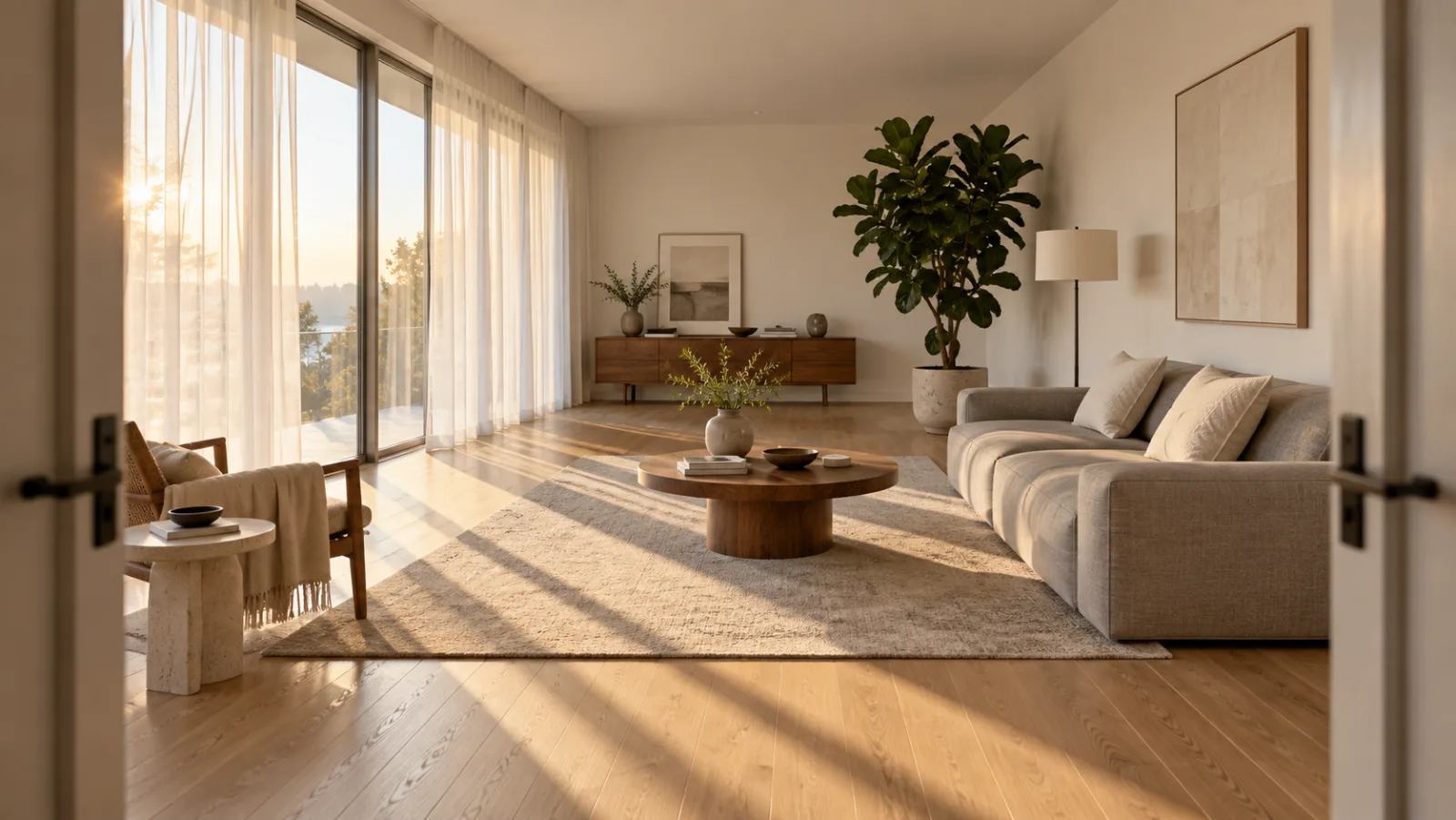
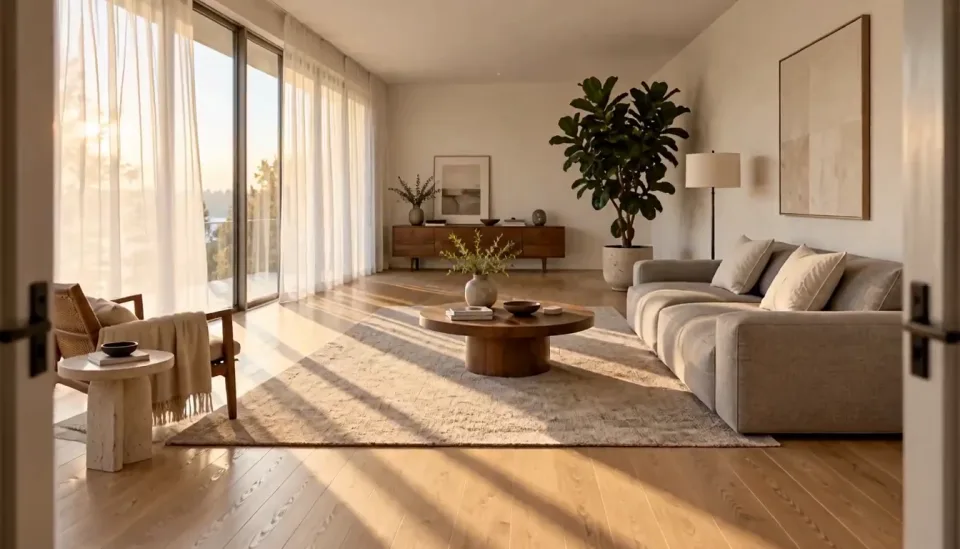
Use the reference living room as the set. Slow dolly forward from the doorway, afternoon sun sliding across the oak floor, sheer curtains moving in a light breeze, soft room tone and a distant bird call, 16:9, 10 seconds.
Reference
Result
Prompt
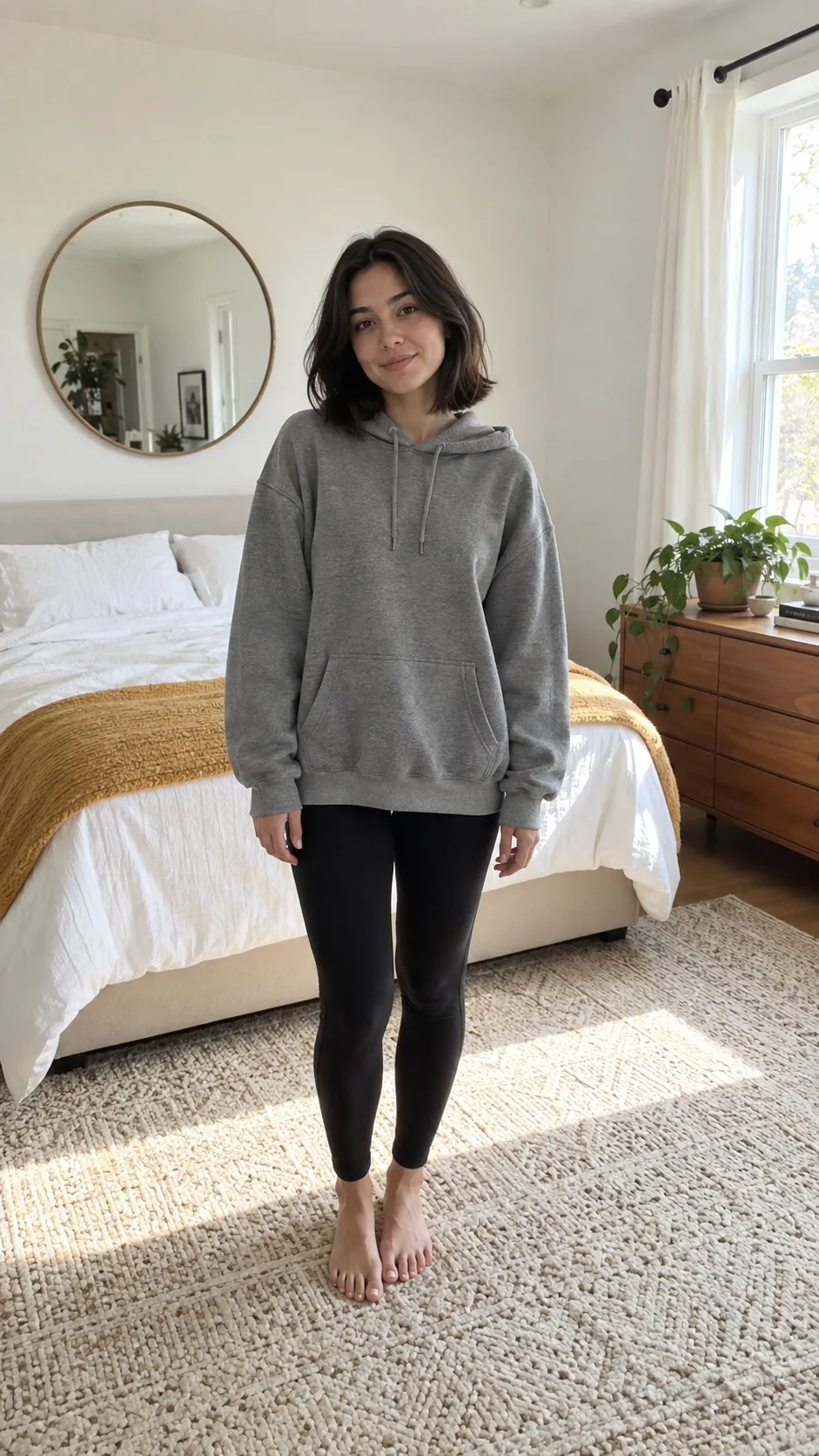
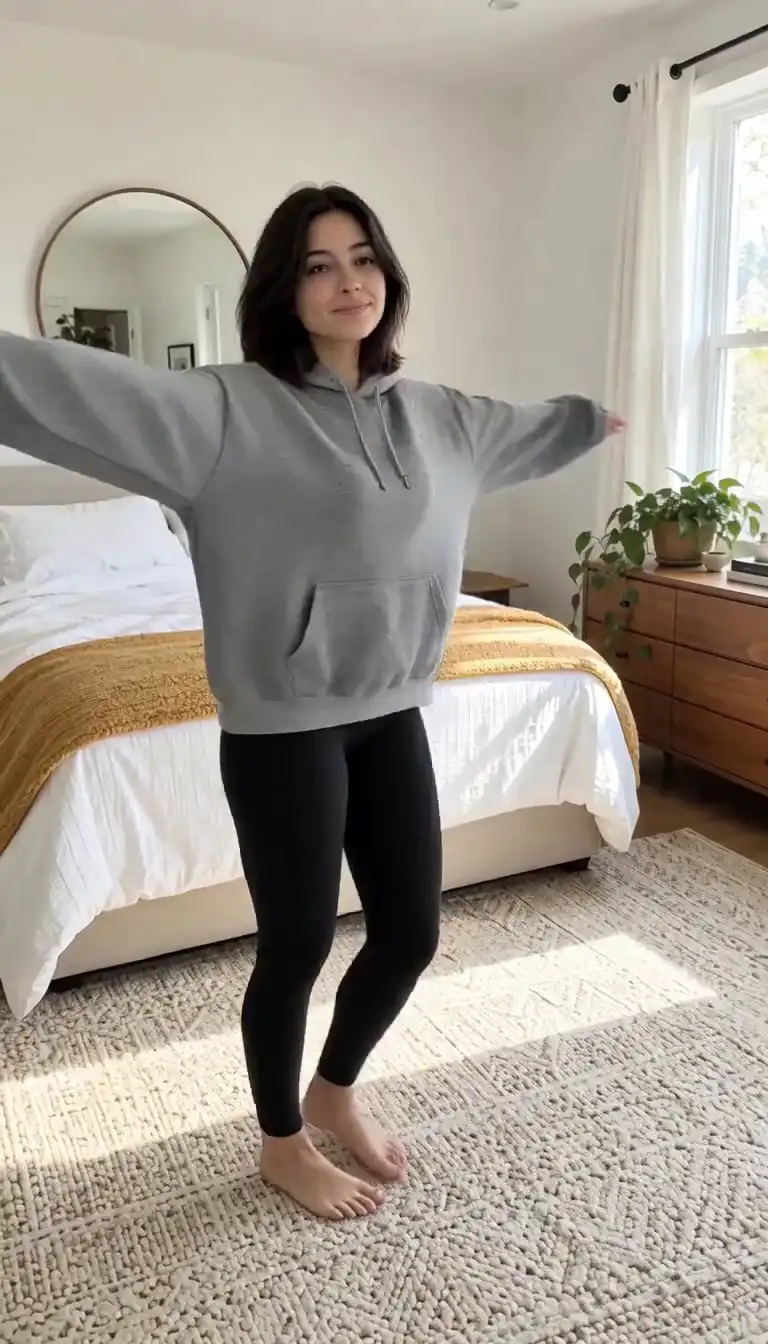
The woman in the reference photo spins once in place and her outfit changes from a grey hoodie to a red satin dress mid-turn. Handheld phone framing, bright bedroom light, a whoosh on the change and an upbeat pop loop, 9:16, 5 seconds.
Reference
Result
USE CASES
Pick a template, drop in a selfie, and post a clip that matches the effect everyone is sharing this week. PixVerse AI handles the choreography, so you spend your time on the caption, not the keyframes.
Test five ad hooks in an afternoon. A 5-second PixVerse AI clip with sound costs 115 credits on Ricebowl, so you can render several openings, keep the one that holds attention, and only then pay for a 15-second 1080p cut.
Try this use case →Upload a product shot and let PixVerse AI orbit it, drop it into a scene, or run it through the Product Landmark template. Sound comes with the render, so the unboxing already has the tear and the click.
Try this use case →Turn on Multi-Clip and PixVerse AI cuts one prompt into wide, medium, and close shots with dialogue and ambience. It is the quickest way to rough out a scene before you commit to a longer production.
Feed PixVerse AI a still of a room or a resort and get a slow camera move with natural light and room tone. It turns a listing photo into a clip that works as a Reel or a landing-page loop.
WHAT USERS SAY
01
Most PixVerse AI users never write a prompt. They pick an effect, upload a photo, and post. The template already knows the timing of the trend, which a hand-written prompt rarely nails on the first try.
02
PixVerse's own V6 review found PixVerse AI performs best when a prompt names visible detail: the subject, the camera path, the light, and the sounds. Vague adjectives waste renders.
03
Because PixVerse AI renders audio with the picture, a first draft already has footsteps, room tone, or a line of dialogue. Reviewers react to it as a video, not a silent mock-up.
04
On the Artificial Analysis text-to-video arena, PixVerse V6 sits at an Elo of 1076, level with Kling 3 Omni but well below MiniMax H3 (1220) and Seedance 2.0 (1210). People pick PixVerse AI for effects and speed, not for the most realistic frame.
VERSION CHECK
V6 is the only version worth using now. On the Artificial Analysis text-to-video arena it scores 1076 against 952 for V5.6, and it adds longer takes, multi-shot cuts and sound in the same pass.
V6 generates anything from 1 to 15 seconds, while PixVerse's own pricing docs still list V5.6 in fixed 5, 8, and 10 second clips.
One prompt can now produce wide, medium, and close-up shots with transitions, instead of one continuous take you have to stitch.
Dialogue, sound effects, and ambience are generated with the picture. PixVerse AI launched V6 on March 30, 2026 with audio as a core feature, not an add-on.
PixVerse AI reports more accurate tracking shots and reveals, and facial expressions that hold through scene changes.
The PixVerse AI team itself says precise directional control in busy scenes is still improving. Keep crowd scenes simple.
Consistency can slip when a shot moves between very different spaces. Split those into two clips.
Ricebowl runs V6 only. PixVerse keeps V5.6 on its own site, but V6 scores 124 Elo points higher on text-to-video at the same credit cost there, so there is little reason to go back.
WHAT SETS IT APART
01
Kling 3, Seedance, and MiniMax H3 all start from a prompt. PixVerse AI is the only video model in this workspace with a ready-made effect library, which makes it the default pick for trend content.
02
Flip the Multi-Clip switch and one 15-second PixVerse AI job comes back as a cut sequence rather than one long take. You get a story shape without an editor.
03
Audio is on by default for PixVerse AI on Ricebowl and the credit price already includes it. You never pay a second fee to hear your clip.
OUR TAKE
The template, every time, if a template matches your idea. It needs one photo and no wording, so there is nothing to get wrong. Write your own prompt only when you are telling a story the library does not cover, such as a product scene or a scripted line of dialogue.
PixVerse AI, unless the deliverable is 4K. On the Artificial Analysis arena the two tie on text-to-video (1076 for PixVerse V6 against 1075 for Kling 3 Omni at 1080p), and from a photo PixVerse V6 is clearly ahead (1071 against 1045). Kling 3 Omni earns its place when you need 4K output or Kling's element references.
Whenever the brief has more than one beat. A hook, a reveal, and an end card read better as three shots than one drifting camera move. Leave Multi-Clip off for a single product orbit or a continuous walk-through, where a cut would break the flow.
COMPARISON
| Feature | PixVerse V6 | Kling 3 Omni | Seedance 2.0 | MiniMax H3 |
|---|---|---|---|---|
| Clip length on Ricebowl | 5, 10, or 15 s | 5 or 10 s | 5, 10, or 15 s | 6, 10, or 15 s |
| Max resolution | 1080p | 4K | 1080p | 2K |
| Sound | Included, on by default | Optional, costs extra | Included | Included |
| Reference images | 2 (subject + background) | 2 | 9 | 9 |
| Effect templates | 50 | None | None | None |
| Text-to-video arena Elo | 1076 | 1075 (Omni 1080p) | 1210 (720p) | 1220 |
| Cheapest clip | 115 credits | 90 credits | 95 credits | 20 credits |
| Best for | Trend effects and quick social clips with sound | 4K product and cinematic shots | Realistic multi-reference scenes | Top-ranked quality at the lowest price |
Arena scores are from the Artificial Analysis text-to-video leaderboard, September 2026. Credit prices are Ricebowl's current rates. All four models run in the picker above.
Try PixVerse AI Now01
The generator at the top of this page already has PixVerse AI (model V6) selected. Sign up with email or Google; there is nothing to install and no separate PixVerse AI account to create.
02
For a trend effect, open the advanced options, choose one of the 50 templates, and upload a photo. For your own scene, type the subject, camera move, light, and sound, and add up to two reference images.
03
Choose 5, 10, or 15 seconds, 540p to 1080p, landscape or portrait, and decide whether Multi-Clip should cut the scene into shots. Press generate and the MP4 appears in your feed, ready to download.
REVIEWS
Feedback from people who use PixVerse AI on Ricebowl for real work.
 Jess M.
I post a template clip almost every day. Photo in, trend out, and I never have to think about the prompt.
TikTok creator
 Omar K.
Five-second PixVerse AI hooks are my test bed. I only render the long version once a hook wins.
Performance marketer
 Lena S.
The sound comes with the clip. My product reveals finally have the click and the swoosh without an editor.
E-commerce owner
 Carlos D.
Multi-Clip gives me a rough cut of a scene from one prompt. It is how I pitch episodes now.
Short-drama writer
 Hana Y.
Portrait for Reels, landscape for YouTube, same prompt. PixVerse AI and Kling 3 side by side in one tab.
Social media manager
Pay per clip with a one-time pack, or pick a monthly plan if you make clips often. A subscription is optional. Every plan makes the same rap clip, only the credit budget differs.
Save 30% billed annually
Flexible monthly subscription.
The cheapest way to start. Every model, a small monthly budget.
$12.99/mo
Renews monthly, cancel anytime.
400 credits
≈ 6 rap clips
3.25¢ / credit
A few rap clips for you, your friends and your pets.
$29.9/mo
Renews monthly, cancel anytime.
1,000 credits
≈ 16 rap clips
2.99¢ / credit
2 parallel tasks
Steady output for a creator posting rap clips every week.
$49.9/mo
Renews monthly, cancel anytime.
2,000 credits
≈ 33 rap clips
2.50¢ / credit
3 parallel tasks
High volume for pages that post rap clips every day.
$89.9/mo
Renews monthly, cancel anytime.
5,000 credits
≈ 83 rap clips
1.80¢ / credit
5 parallel tasks
Pay yearly and save more.
A few rap clips for you, your friends and your pets.
$19.9/mo$29.9
Billed yearly at $238.8. Renews yearly, cancel anytime.
Save $120/yr vs monthly
12,000 credits
≈ 200 rap clips
1.99¢ / credit
2 parallel tasks
Steady output for a creator posting rap clips every week.
$34.9/mo$49.9
Billed yearly at $418.8. Renews yearly, cancel anytime.
Save $180/yr vs monthly
24,000 credits
≈ 400 rap clips
1.75¢ / credit
3 parallel tasks
High volume for pages that post rap clips every day.
$62.9/mo$89.9
Billed yearly at $754.8. Renews yearly, cancel anytime.
Save $324/yr vs monthly
60,000 credits
≈ 1000 rap clips
1.26¢ / credit
5 parallel tasks
Top up credits valid for 12 months.
One-time top-up — perfect for occasional needs.
$49.9
One-time purchase, valid 12 months.
1,000 credits
≈ 16 rap clips
4.99¢ / credit
Larger top-up with 20% bonus — best per-credit value for one-time buyers.
$198
One-time purchase, valid 12 months.
4,800 credits
≈ 80 rap clips
4.13¢ / credit
5 parallel tasks
Browse all
Browse all
Make a one-photo ice cream shop clip.
Put your couple in the mirror selfie peek
Walk through the manor blast from one photo.
Put your pet in the reach-and-whisk gag.
Put yourself in the slow-motion rodeo takedown.
Put your pet in the park tip cup meme.
Make a fall-then-fly clip from one photo.
Recreate the couple reveal from one photo.
Put your pet in the groomer fight
Make a couple cash pile video
Put your photo into the Kakalika dance
Turn one photo into a football sprint remake.
Step from a perfume flame into a magenta-coat reveal.
Put your photo into the office parkour scene.
Take the wheel in a reference truck scene.
Turn one photo into the waist-heart pose.
Put your pet in the keyboard smash gag.
Put your photo in the holiday dance.
Turn one portrait into a neon crowd scene.
Put a couple photo into the duo dance
Make a puzzled restroom clip from one photo.
One photo, five music scenes
A toast, cake, or garden scene from one photo.
Put one photo behind the giant fish.
Make a birthday mishap video from one photo.
Animate one portrait in a selected scene.
Make a Valentine clip from one pet photo.
Turn one photo into a tiny-trike tumble.
Preview a pixie cut in a salon video
Cast two adults in a reference-based parody video.
Turn one photo into a midnight Christmas reveal.
Put your photo in the golf swing meme.
Put two pets in the green-band backfire scene.
Turn one adult photo into a playful park scene
Turn one portrait into a monochrome scene.
Turn one couple photo into a wedding dance
Make a giant pet city video
Put your photo in a holiday gift reveal.
Put your pet in a plush cage fight
Make the hallway outfit reveal
Make a rainy hotel scene with two photos.
Take the carriage step, gown reveal and snowy spin.
Turn one adult photo into a back-seat performance.
Make a holiday video from one pet photo.
Make a two-photo headphones video
Recreate the couch laugh and kiss
Make a salute-and-cry video from one photo
Turn one photo into a hotel arrival.
Make a New Year scene from one photo.
Turn one adult photo into a tiny cartoon driver.
Take the lead in a black-and-white montage.
Make a couple video in three rain scenes.
Put two people into the reference couple dance.
Lead the white-studio dance crew
Put your pet into the reference dance
Put your pet in a rap scene
Make a pet's holiday clip
Put yourself in a 15-second Santa scene
Turn one portrait into a short scene
Make a wedding scene from one couple photo.
Turn one portrait into a halo-to-horns video.
Turn one portrait into a short scene
Make a birthday scene from one photo
Make a 15-second photo tribute
Place one photo in a preset holiday scene.
Make a one-photo snack gag in a parked car.
Put your pet in the night pool-party dance.
Put your photo in the kitchen hand routine.
Make a glowing room dance clip from one photo.
Take the night car trend from one photo.
Make a portrait eye video
Make a pet birthday scene from one photo
Turn one car photo into a 15-second scene.
Make a 15-second product sale clip.
Make a 15-second birthday scene from one photo.
Make his birthday scene from one photo
Put one photo into a 15-second birthday scene.
Make a birthday scene from one photo.
Make a birthday scene from one photo.
Six one-photo birthday scenes
Make a Santa visit from one house photo
Make a 15-second pet scene from one photo.
Turn one portrait into a Christmas scene.
Make a birthday clip from one photo
Put one photo into a Santa scene.
Turn one photo into a cake scene
Make a tearful scene from one photo.
Turn one portrait into a liquid-style video
Put your pet in a royal dance or cozy scene.
Turn one photo into a street chase clip.
Turn one photo into a reference-led elf dance video.
Make a two-photo ukulele duet
Turn one portrait into a black sedan reveal.
Put one photo at the center of a crowd formation.
Turn one object photo into ASMR
A wordless portrait video from one photo
Animate one photo into a short dance clip
Turn one illustrated object photo into a short video.
Put your pet at the front of a kitten line.
Put your object in a blocky parkour scene.
Animate one object photo as a sketch.
Make a car fly from one photo.
Turn one portrait into a cartoon scene
Make a 15-second pet dance clip
Make a cash scene video from one photo.
Make a one-photo hair bounce video.
Make a couple height-reversal video from one photo.
Make a 15-second fantasy scene from one photo.
Make a 15-second ghost-bride video
Make a spooky reveal from one portrait.
Make a one-photo dance clip
Make a doorway gag from one photo
Make a C-Walk dance clip from one photo.
Turn one car photo into a 15-second reveal.
Make a birthday scene from one photo.
Turn one photo into a basketball clip
Make a party dance clip from one photo.
Turn one couple photo into a 15-second anniversary scene.
Make a pet dance beside a parked car.
Make a 15-second outfit scene from one photo.
Make a 15-second entrance video from one photo.
Make a pet dance clip from one photo
Make a 15-second New Year scene from one photo.
Make a New Year mountain video from one photo.
Make a 15-second New Year clip from one portrait.
Make a 15-second Santa scene from one photo.
Make a Christmas video from one photo.
Make a Santa list scene from one photo
Make a 15-second recap from one photo
Make a 15-second bottle scene from one photo.
Make a 15-second turkey dance clip from one photo.
Make a cafe meme video from one couple photo.
Make a 15-second elf scene
Two photos, four coffee scenes
Turn one photo into a 15-second walking video
Turn one photo into a rubbery kitchen gag.
Make a pet dance clip from one photo
Make a portrait break into laughter.
Turn one photo into a movie scene
Make a 15-second shocked reaction video from one photo.
Make a 15-second meme clip from one photo.
Make a scene from one photo
Two pets take the coffee shift
Couple spin and laugh meme video
Follow the reference dance from one photo.
Turn one couple photo into a reference-led dance clip.
Turn one couple photo into the hop routine.
Put your photo into the meme performance.
Make a hair transformation clip from one photo.
Animate one couple photo into a short vertical clip.
Put your pet in the pickup meme.
Put your photo in the scream meme
Turn one portrait into a startled video
Put your photo into the 15-second dance
Put your photo into the shush and bounce.
Turn one photo into a reference-led dance clip.
Put your photo into the forró dance.
Make a pet broccoli video from one photo.
Make a 15-second reveal from one couple photo.
Make a 15-second mecha video from one photo.
Make a couple-photo baby reveal
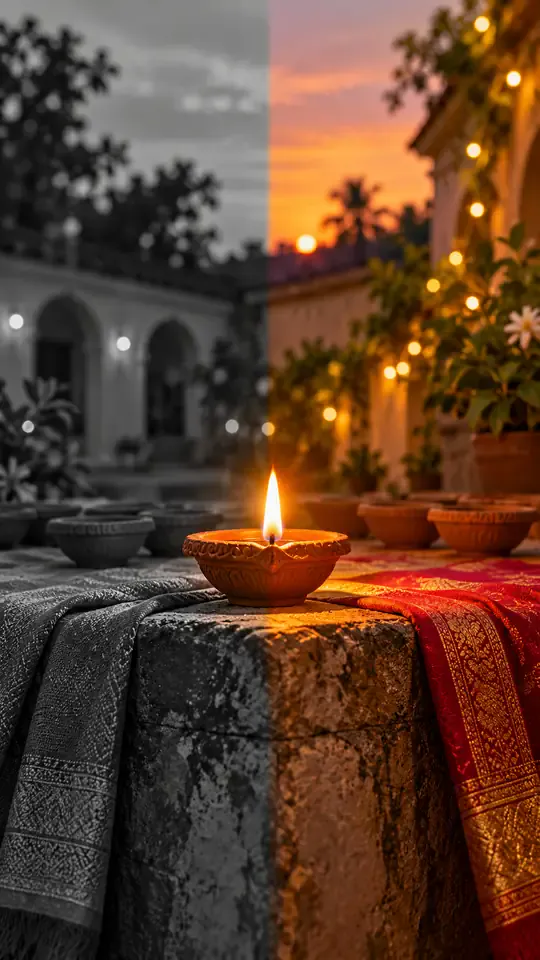
Turn one photo into a Diwali black-and-white to color reveal
Turn one photo into a midnight fridge raid clip
Turn one photo into the sit-to-recline reel
Turn two photos into a Your Dinner Is Ready clip
Turn two photos into the cliff plank prank
Put your photo in the lead spot of the schoolyard dance
Turn one photo into a convertible city-cruise clip
Put your photo in the party walk, bread bite and stare
Turn one or two photos into the slow mo dance entrance
Turn one photo into a walk-away fireball clip
Turn one photo into a living doll outfit change
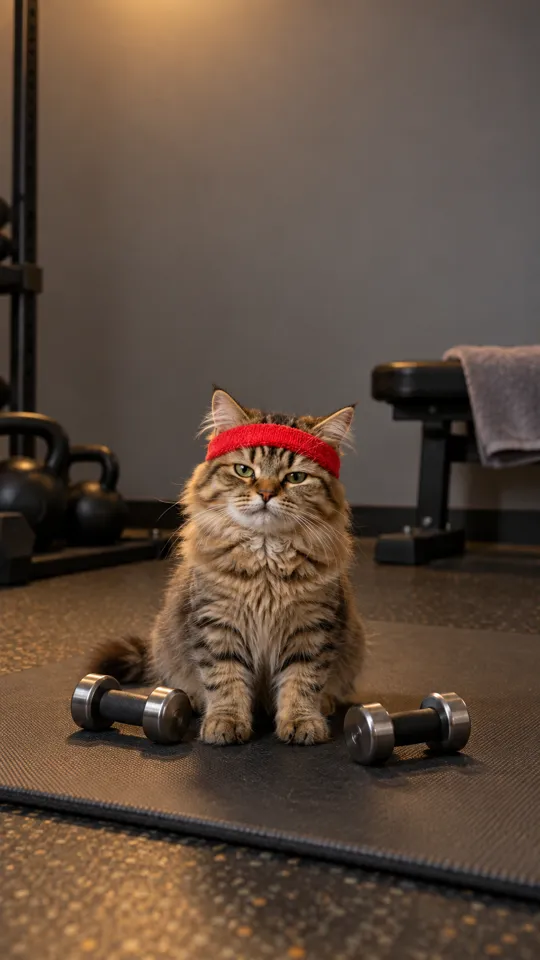
Turn your pet into a gym one-more-rep clip
Put your photo in the arms-up street routine
Put your photo in the two-pose dance meme
One photo, the singing car meme
Baby sips, sways and points from one photo
Two pets behind the counter, one pot and one mug
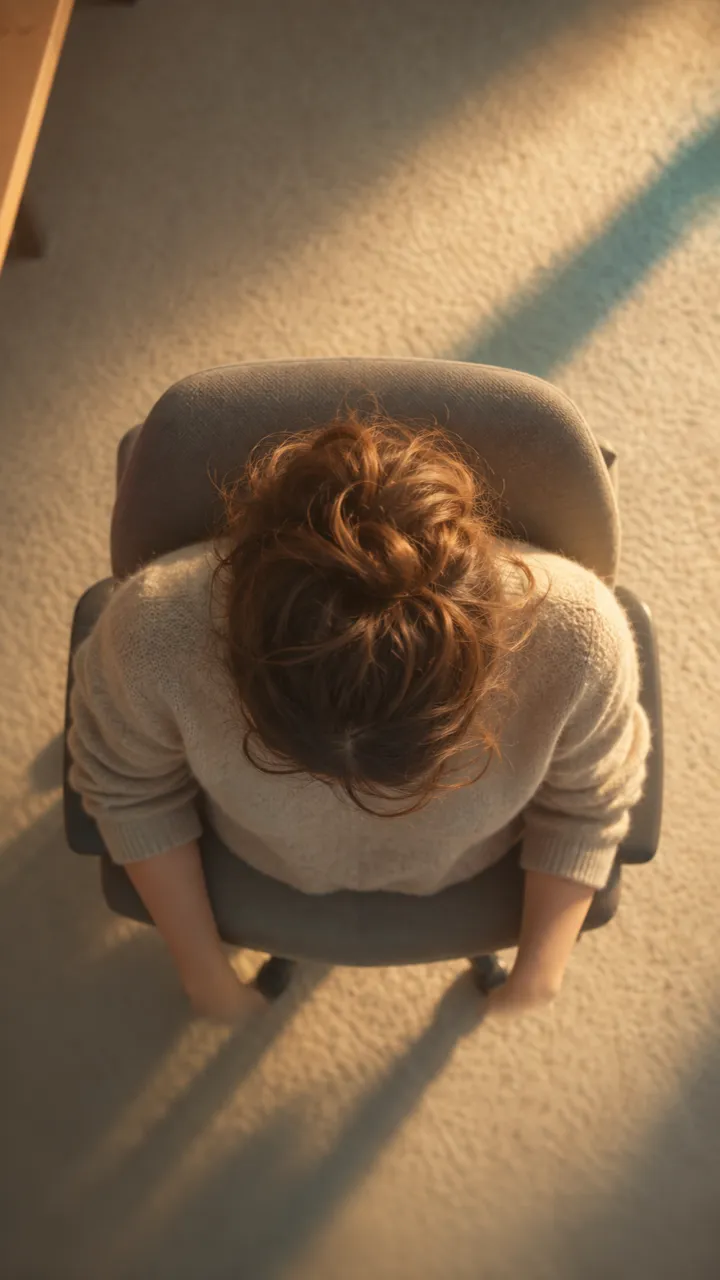
One photo into a slow overhead chair spin
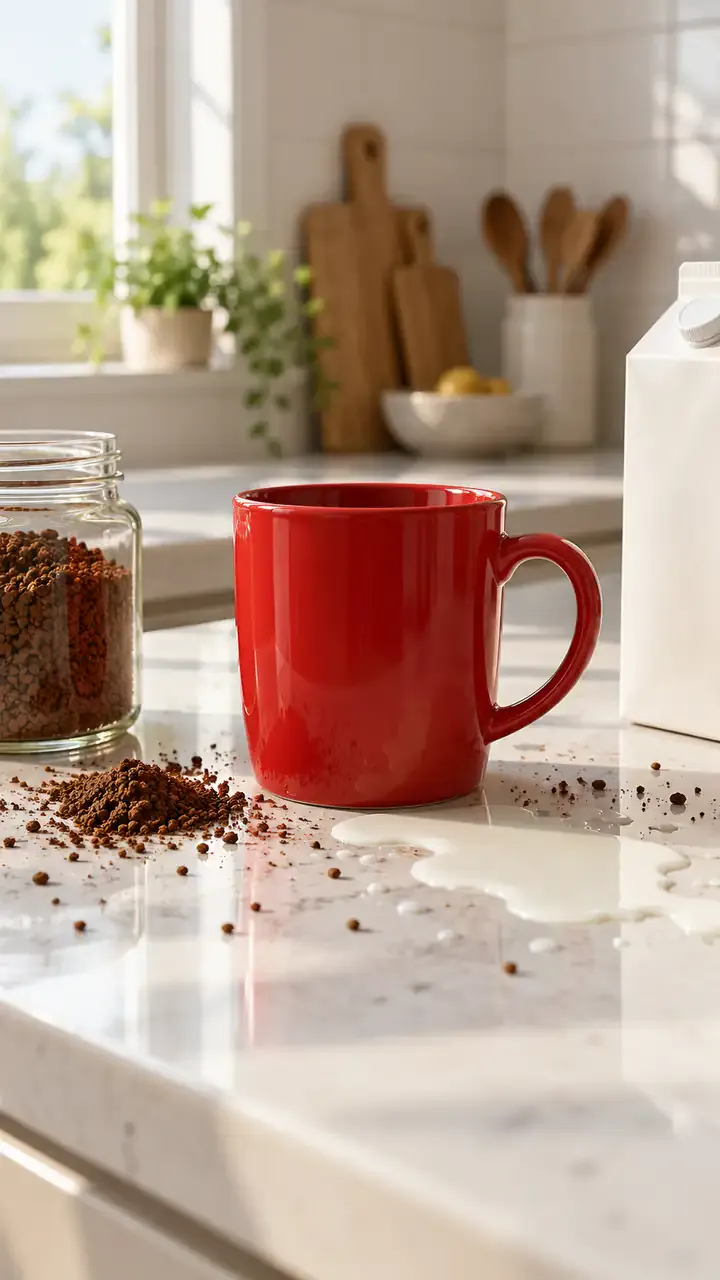
Two people, one spilled coffee, one straight face
Print your profile as a receipt clip

Turn one portrait into a moonrise first-bite clip
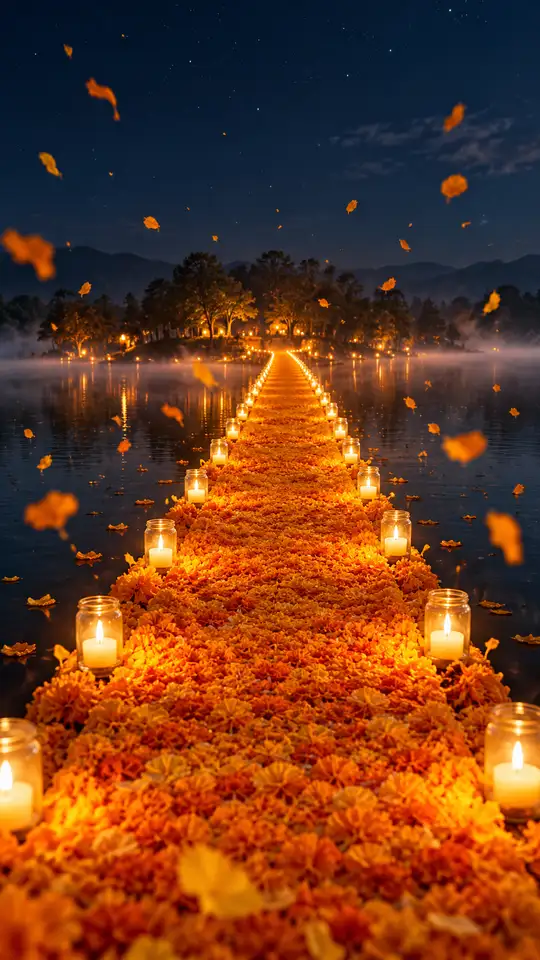
Turn one photo into a walk across a marigold bridge
Turn car photos into a moon-to-headlight night loop
You in a retro chocolate ad, one photo
Turn one pet photo into a barn full of dancing parrots
One photo into the tilting green-chair clip
Take the mic in front of the roar of a stadium crowd
One selfie into the lamp-lit slide-in clip
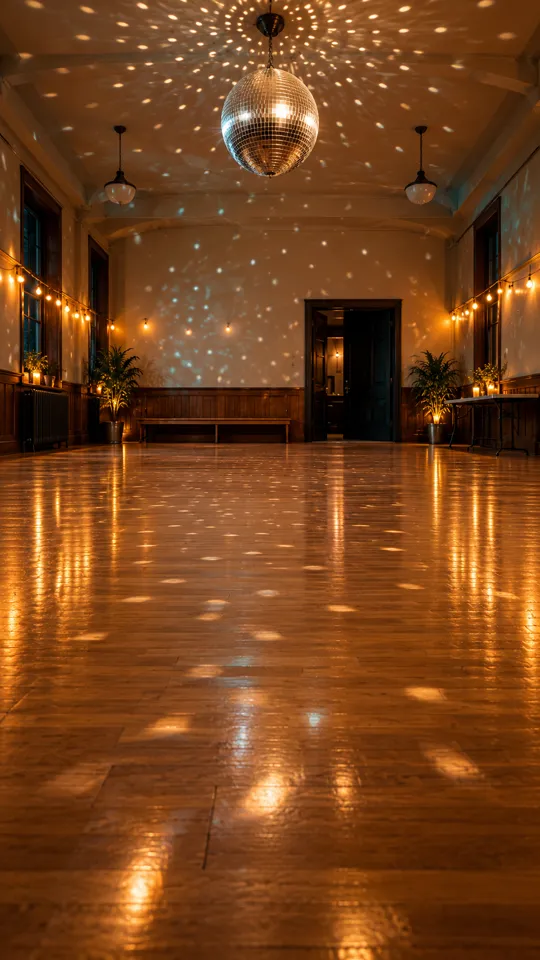
Turn one photo into the 15-second dance routine
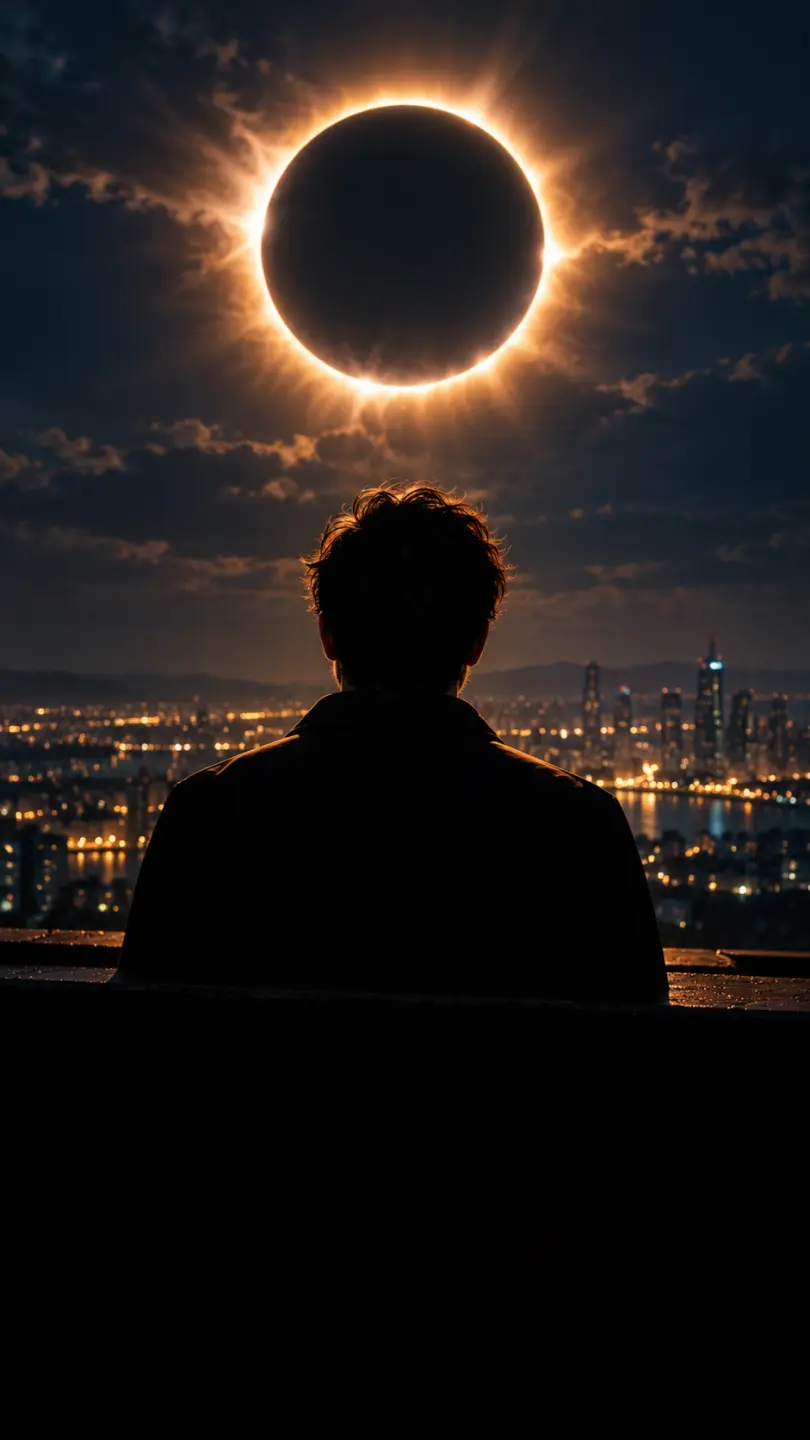
One photo into a dark eclipse music clip
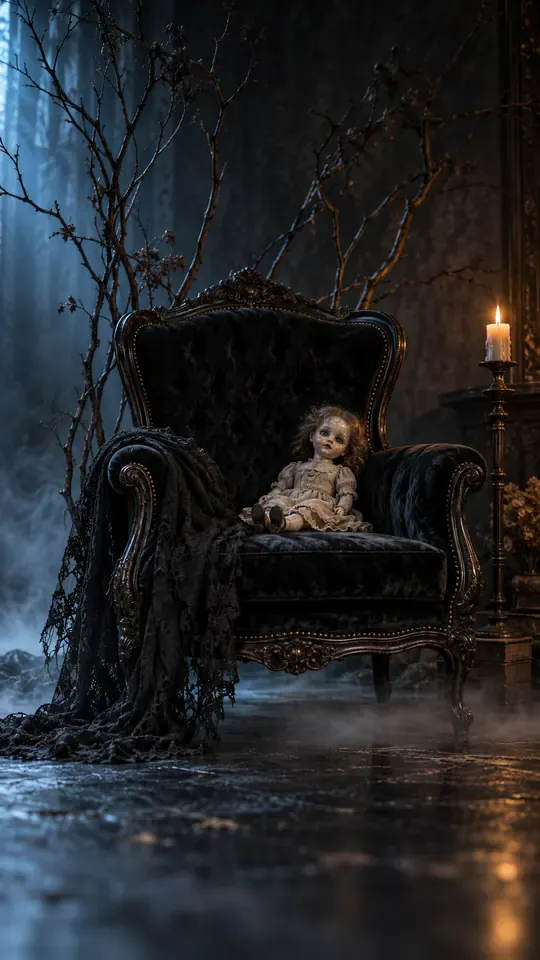
Turn one selfie into a gothic group-portrait clip
Turn two photos into the hide-and-reveal duet
One photo, a staged slap, then tears
Copy the angry dance with your photo
Turn one photo into the phone-flip hotel dance
Copy the full cover routine from one photo
Turn one photo into the salute and spin clip
Turn one photo into the Pick It Up bounce, arms-up and turn
Turn one photo into the cap-and-hood stare clip
Turn one photo into the Tarantino dance cover
Turn one photo into the routine clip
Dance on the platform from one photo
Turn two photos into the hoodie duo dance
Your dog or cat at a studio mic in headphones
Turn one photo into the fuzzy dream dance clip
Turn one photo into the sway clip from the feed
Toddler you, headphones on, at a studio mic
One baby photo, a mustached newborn clip
Grandma at her own party, from one photo
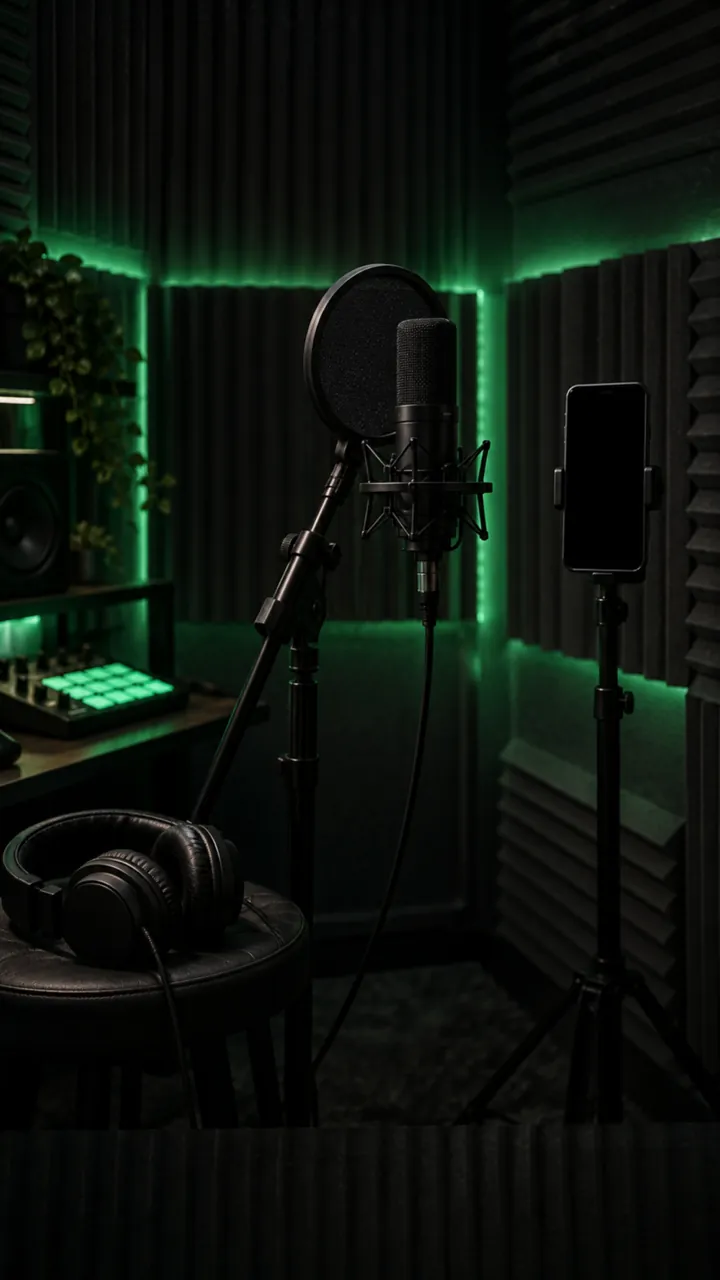
Turn one photo into a rap freestyle clip
Run up a golden stairway through the clouds into a hug with a loved one.
Turn one photo into the Rio charme dance
Turn one photo into the cash-toss video
Turn one photo into the caught-at-the-window clip
Turn two photos into the crying meme
Red eyes and a smirk from one photo
Make a short birthday greeting for Mom from one photo.
Sunglasses off, building on fire, from one photo
Your photo in a 15-second Christmas scene
Moonwalk-style dance from one photo
Your photo bouncing to a Jersey Club beat
Full glam on his photo, step by step
Mouth a love song from one photo
Shiny tears slide down your own selfie
Head bobs and bounces from one photo
Put your photo in the high-kick line
Make a miniature-to-full-size car reveal from one photo.
You screaming on a night rooftop from one photo
One photo, one pink Y2K dancer
One flash puts your photo in a balaclava
Your dog whimpers, then grins
A giant jet sweeps low over you at sunset
Turn one photo into the horse dance video
Turn one photo into their send-off clip
Turn one photo into the slide and arm-point routine
Turn one photo into the concert-stage lead
Turn one photo into the wooden guy's dance
Put one photo of you on the train, eyes shut, on the big note
Make your own cat stand up and clap for you
Your dog's birthday party from one photo
Your cat's birthday party from one photo
Turn into the turkey, or let your pet crash dinner
A video card with you at the dinner table
Line up, swim the arms and dive onto the mat
They threw stones, you build a castle from one photo
Turn one photo into a Christmas clip with Santa
Put the birthday person in a skydive or a lion-back cake ride
Walk your pet home to a candlelit altar
Karate-kick the bottles from one photo
One photo of someone you miss, one gentle 15-second clip
Turn one family photo into dancing Christmas elves
Walk up from the gala and lift the golden ball
Dunk over a defender, then the finger at the camera
Put you two in the kick meme
Do the arm throws and knee lift from one photo
Santa on your own room's night-camera footage
A slow deadpan head shake from one photo
Skeleton dance from one photo, Halloween beat
Do the footwork routine from one photo
Do the club routine from one photo
Street party or tavern dance from one photo
Dance in a white spaceship and wag a finger
Ride a giant pig across the red light
Your pet at the wheel, eyes shut, paw to the ear
Turn one selfie into half black goo and fangs
Kneel on a sunlit path with three haloed shadows beside yours
Rap to the camera in a packed night crowd
Turn one photo into you, rapping at the mic
Mask on, spin, suit up from one photo
Flick a heart at each name from one photo
Walk someone you miss home along a marigold path
Do the horse dance from one photo
One photo of you and your kid, suited up on a rooftop
A black hand, a wipe, a moon witch
Sheet on, shades on, pose and peek
Kick, pitch and leap in the storm
Swagger down the mansion hallway
Your pet takes the mic
Get caught on the big screen
Hold up the red sign and jump
Take the cash, then hit the walk
Walk out to a crowd of fans
A ghost rises right behind them
Walked out by two officers, unbothered
Lean in, arms out, point on the beat
Serious game face, then the toy car
Snap the moon, reveal the witch
Your pet as the dancing cat trio
Float past the red light on a broom
Nod to the bass at the blue wheel
Do the duo intro from two photos
Your baby, a serious face, one photo
The flash step dodge, one photo
Ask the phone how to get rich, hear the answer
Your cat or dog stands up and dances
Wide squat, tiptoes, one-leg freeze
Swagger down the park path, point at the lens
Cup your ears and let the stadium roar
Walk the carpet, stop for the flashes
Bedroom horns, panels shut, night street
Tiny workers wash your truck until it shines
Fake the rabona, leave the defender on the floor
Rocket thrusters fire, your car lifts off
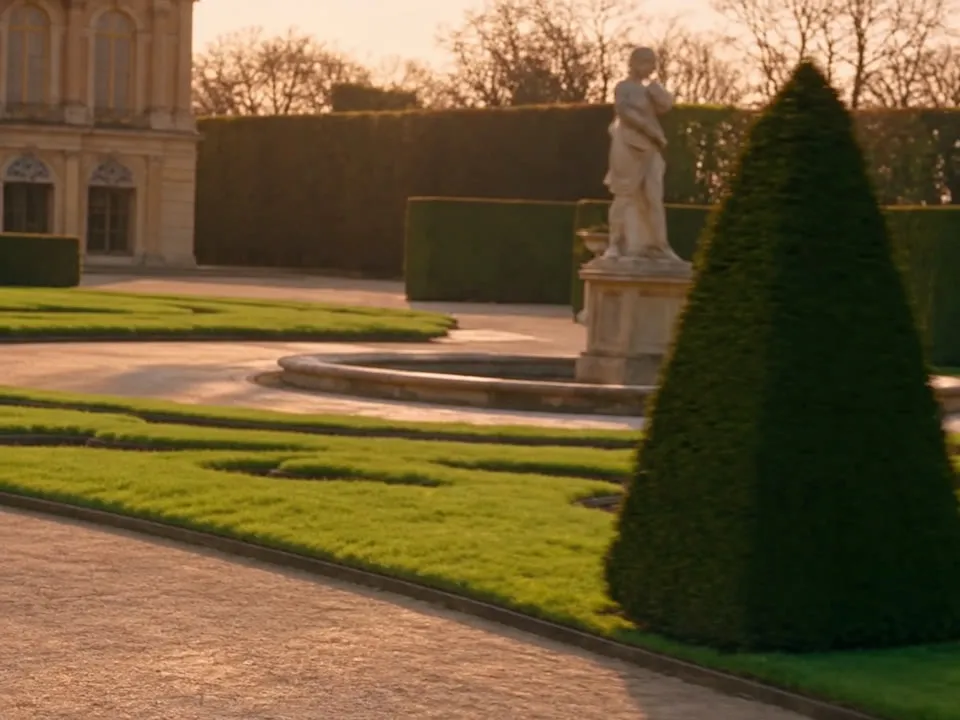
Set up a penny-farthing chase through a palace garden with a golden carriage.
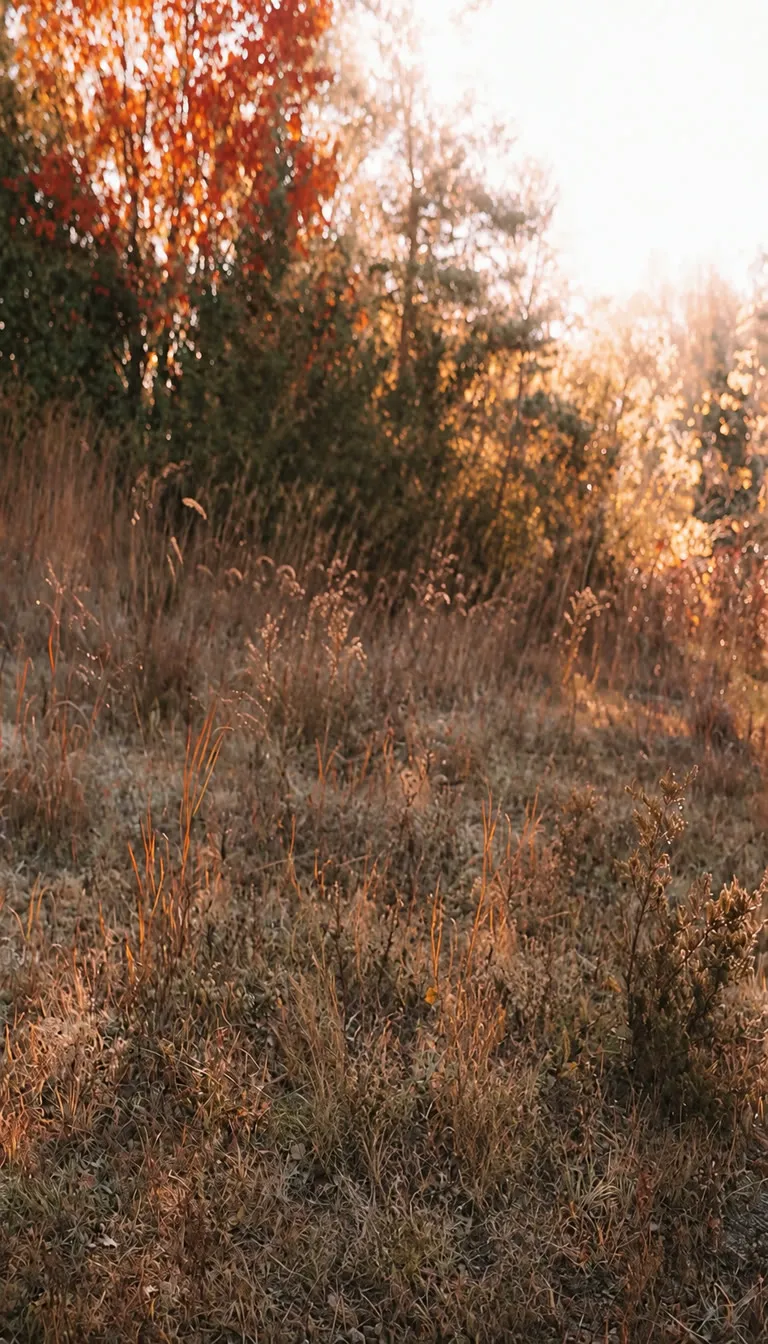
Create a two-person autumn field bounce and finger-point dance.
Turn your photo into the Ozil goal: dribble, strike, turn and celebrate.
Turn photos into phonk head bop trend videos in minutes.
One photo, a camera orbit around your subject
One or two photos into the vertical sidewalk singing clip
Chandelier party video from your selfie photos
Turn any photo into the tiptoe trend
Create scream-and-swap pet dance clips
Turn your selfie into an animatronic jumpscare
Make your photo lead the 1983 zombie dance in 9:16 vertical video.
Turn one adult photo into a trending 9:16 lip-sync clip in seconds.
Turn one group photo into a crew that steps in sync in 9:16 vertical video.
Turn your photo into a 1980s retro dance video with custom themes.
Pop the bottle from one photo and freeze it black and white.
Turn your photo into a Bulin 47 AI doorway clip.
Do the Layoo dance from one photo with two friends behind you.
Turn your photo into the viral lean, swing and low bounce, friend watching.
Black liquid rebuilds your car from its badge
Put your photo on the red stage doing the 2008 electro arm dance.
Sweep the 2 and 4 cards, reveal a car
Deadpan sway clip from one photo
Costume walk clip from one photo.
Make your pet or baby scold the camera
Make viral sneaky tiptoe videos from photos
Walk out with two officers
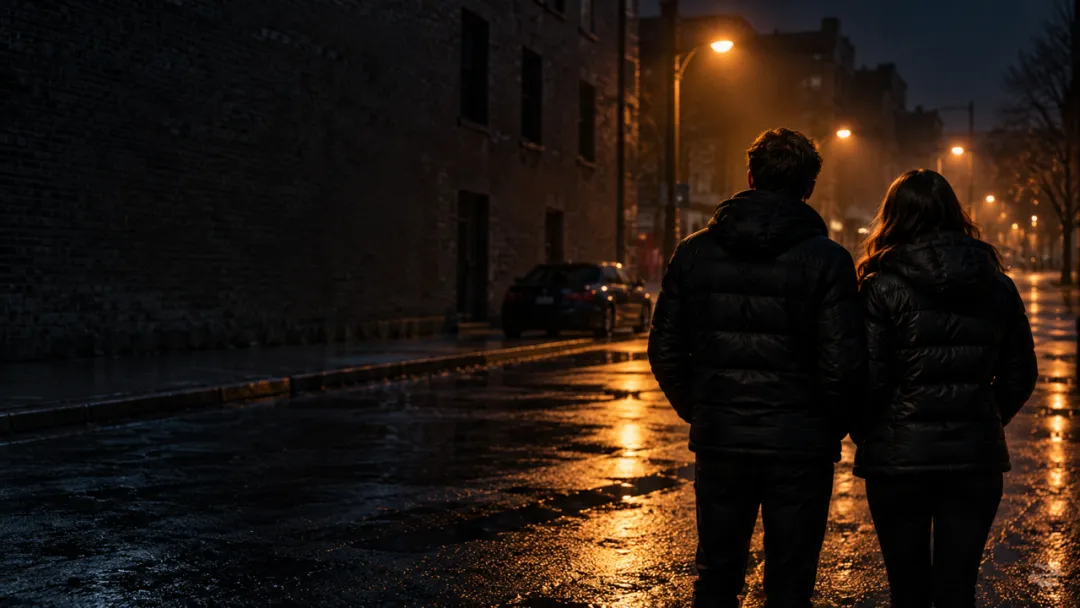
Two photos turned into a drill rap video clip.
Turn your pet into a tiny knight in a storm
Turn photos into the hop and knock dance
Switch wardrobe under spinning fan blades
Turn portrait photos into video
Make the viral video from two photos
Turn one pet photo into the stage meme
Dusk road-trip clip from your photos
You and a friend trading bars on one mic
Turn their photo into a funny birthday prank video
One photo zooms out to Earth, Moon or galaxy
Laser eyes, car jumps, hugs and more from one photo
Turn one photo into a video with copies of you
Hug the kid you were in a short video
Turn family photos into a short video clip.
Turn your photo into a cinematic video with effects
Share an imagined hug with someone who passed away
Turn one or two photos into a dance video
Two solo photos, one orange booth, one mic
Sit still while a car flies over you
Turn two photos into a hug video
Turn one or two photos into a gentle memorial clip
Make people in old photos smile, wave or hug
One or two photos into the zombie love story video
Two photos into the viral Hotel Lobby video
What PixVerse AI is, what it costs here, and how to get a good clip on the first try.
Try PixVerse AI NowSign-up on Ricebowl is free: it costs nothing, needs no card, and gives you 8 credits. Those credits do not cover a PixVerse AI clip, though, or any other video here. The cheapest PixVerse AI render (5 seconds at 540p or 720p, sound included) costs 115 credits, and the cheapest clip in the generator, a 6-second MiniMax H3 test, costs 20. Buy a credit pack or plan for PixVerse AI renders.
PixVerse is an AI video platform that says it is trusted by over 100 million creators and businesses in 175 countries. Its flagship model, V6, generates video from text or images with sound, and its effect templates are what made PixVerse AI popular on social media. On Ricebowl you can use PixVerse AI next to Kling 3, Seedance, Veo 3.1, and MiniMax H3.
PixVerse V6 is the model PixVerse launched on March 30, 2026. It generates 1 to 15 second clips up to 1080p, cuts one prompt into several shots, and renders dialogue, sound effects, and ambience with the picture. It succeeds V5.6, which PixVerse still offers but lists in fixed 5, 8, and 10 second clips, and it scores 1076 on the Artificial Analysis text-to-video arena against 952 for V5.6.
You give PixVerse AI a prompt, a photo, or a template choice, and the model generates motion, camera work, and sound in one job. A template supplies the motion for you; a prompt lets you direct it. On Ricebowl the job runs in the cloud, so your computer only needs a browser.
On Ricebowl you have four ways in: text-to-video from a prompt, image-to-video from one photo, reference mode with two images (a subject and a background), and 50 effect templates. On top of any of them you choose 5, 10, or 15 seconds, 540p, 720p, or 1080p, landscape or portrait, sound on or off, and Multi-Clip on or off.
PixVerse AI has no fixed style menu; the style comes from your prompt. It handles live action, anime, 3D animation, claymation, and film-stock looks well. For a specific look, name it plainly (for example, 'hand-drawn anime, soft cel shading') and add a reference image if you want the character kept.
The Ricebowl generator carries 50 PixVerse AI templates, including Thriller Dance Steps, Fluffy Chef, Cyber Armor: Reborn in the Rain, Product Landmark, Summer Postcard, Magma Rise, and a series of football celebrations such as Knee Slide and World Champion Lift. 49 of them need one photo; Dive into the deep blue of love needs two.
The V6 model can extend an existing clip and fuse references on the PixVerse AI website. The Ricebowl generator takes text and images for PixVerse AI, not an uploaded video, so to continue a scene here, export its last frame as an image and use it as the start of the next clip.
Up to 15 seconds per generation. On Ricebowl you choose 5, 10, or 15 seconds; a 15-second clip costs 340 credits at 720p and 435 at 1080p. For anything longer, generate several clips and join them, or use Multi-Clip to fit several shots inside one 15-second render.
Switch the orientation to portrait before you press generate. PixVerse AI then composes the shot for a 9:16 screen instead of cropping a landscape frame, so faces and products stay centered for TikTok, Reels, and Shorts.
Start with the prompt examples on this page and the three steps above. PixVerse's own V6 review is worth reading too: its main advice is to describe what is visible and audible, such as the subject, the camera path, the light, and the sounds, instead of stacking adjectives.
Ricebowl, because you do not have to leave PixVerse AI to get the alternatives. The same generator runs PixVerse AI plus Kling 3 for steadier motion, Seedance 2.0 for multi-reference realism, and MiniMax H3, which ranks fourth on the Artificial Analysis text-to-video arena (ahead of every other model on this page) and starts at 20 credits. Render one prompt on two models, keep the better clip, and pay from one credit balance.
RELATED
MORE MODELS
on Ricebowl
Sign-up is free and adds 8 credits; a PixVerse V6 clip starts at 115 credits. 50 effect templates, sound in every render, Multi-Clip scenes, and up to 15 seconds at 1080p, next to every other top video model.
Try PixVerse AI NowFREE SIGN-UP · CLIPS FROM 115 CREDITS · 50 TEMPLATES · SOUND INCLUDED
Try PixVerse for Free
Try PixVerse AI Now